Create Stunning Videos Like a Pro @ Nexel Video Editing Course in Perinthalmanna
Learn how to edit professional-quality videos using industry-standard tools Video Editing Course in Perinthalmanna. Create engaging content for YouTube, social media, films, and marketing campaigns.
Adobe Premiere Pro Video Editing
This course focuses on professional editing using Adobe Premiere Pro. Students learn to import footage, arrange clips on the timeline, add transitions, apply effects, and export videos for different platforms such as YouTube and social media.
Motion Graphics & Animation Course
This course teaches motion graphics and animation using Adobe After Effects. Students learn to create animated titles, visual effects, logo animations, and dynamic graphics for professional videos. Text and title animation, Visual effects, Motion graphics design.
Color Grading Course
This course focuses on improving video visuals through color correction and cinematic color grading using tools like DaVinci Resolve. Students learn how to adjust color balance, exposure, and cinematic looks for professional video production.
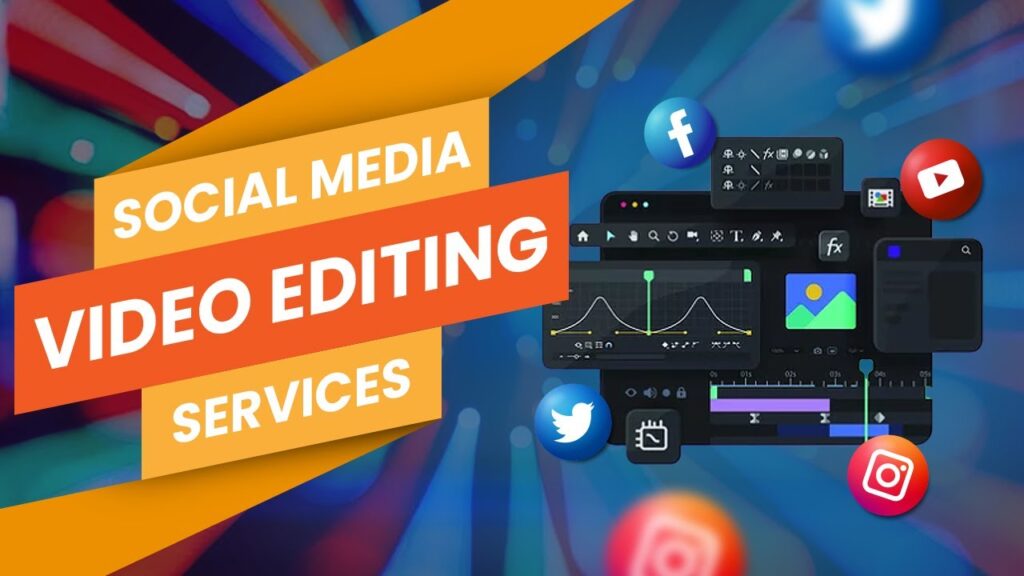
Social Media Video Editing Course
This course teaches editing techniques for social media platforms such as YouTube, Instagram Reels. Students learn how to create engaging short-form videos using storytelling, fast cuts, captions, and sound design.
Skills covered
- Short-form video editing
- Viral editing techniques
- Social media content optimization
- Reels and Shorts creation
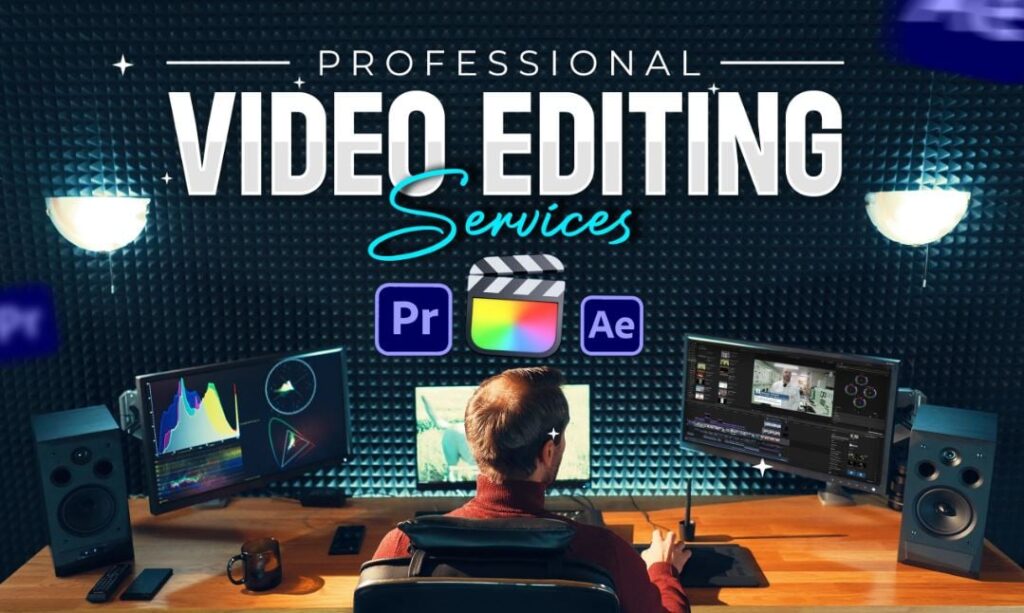
Professional Video Editing Master Course
This advanced course covers professional editing workflows including multi-camera editing, sound design, motion graphics, and final production. Students complete real projects such as ads, YouTube videos, and short films to build a portfolio.
Skills covered
- Advanced editing techniques
- Sound design and audio mixing
- Motion graphics integration
- Portfolio project creation
Course Curriculum
The course curriculum section lists the modules and lessons included in the training program. It helps students understand what topics they will learn, such as video editing basics, transitions, motion graphics, color grading, and exporting videos for different platforms.
Course Overview
The course overview section explains what the video editing course is about. It provides details about the course objectives, duration, skill level, and the software tools students will learn, such as Adobe Premiere Pro, Adobe After Effects, and DaVinci Resolve.
Placement Assistance
This section explains how the institute supports students in finding jobs after course completion. It may include resume preparation, portfolio development, interview training, and connections with media companies.
Career Opportunities
The career opportunities section informs students about potential job roles after completing the course. It highlights positions such as video editor, motion graphics designer, YouTube editor, and freelance video creator.