
Professional Video Editing Course
Learn Video Editing Course in Perinthalmanna professional video editing from basics to advanced using industry tools like Adobe Premiere Pro and Adobe After Effects.
Video Effects & Transitions
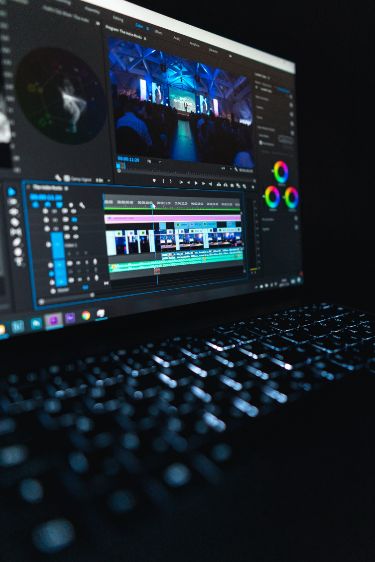
Learn how to use different video effects and transitions to make your videos smmoth and visually attractive. The module teaches how to apply cuts, fades, and creative effects to improve video quality and give a professional look to your projects.
Social Media Video Editing
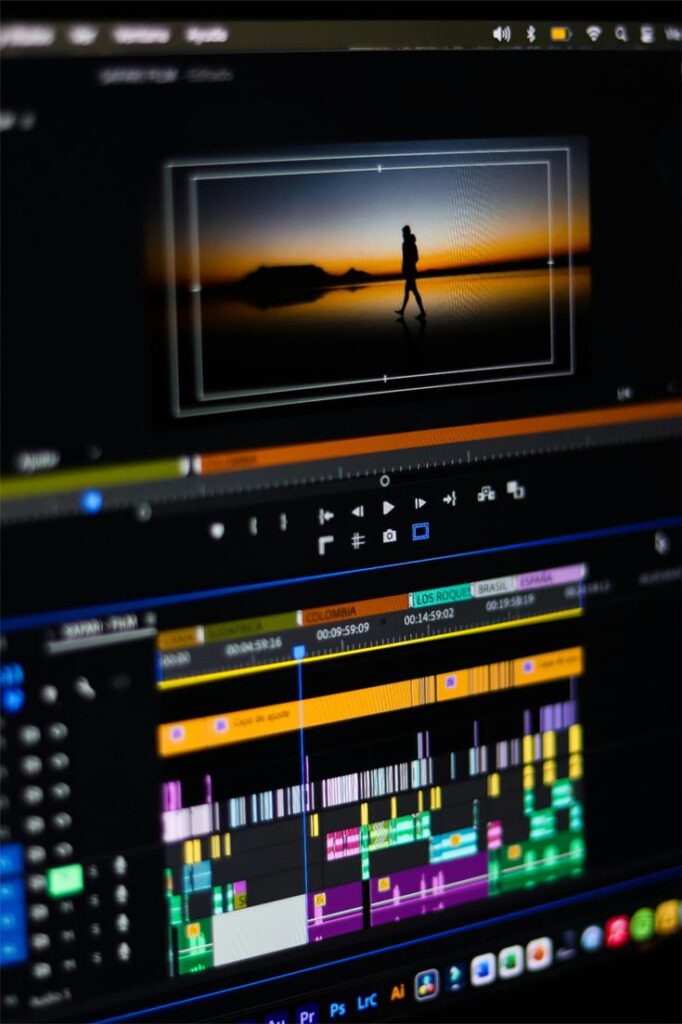
Learn how to edit videos for social media platforms like YouTube, Instagram, and Facebook. This module teaches you how to create short, engaging, and high-quality videos using the right format, effects, and transitions suitable for modern social media content.
Color Correction & Color Grading

Learn how to adjust colors, brightness, and contrast to improve the quality of your videos. This module teaches color correction and color grading techniques to give your videos a clean, cinematic, and professional look using modern editing tools.

Audio Editing & Sound Effects – Video Editing Course in Perinthalmanna
Audio plays a very important role in creating professional videos. In this module, you will learn how to edit and enhance audio to make your videos clear, balanced, and engaging. You will understand how to remove background noise, adjust volume levels, synchronize audio with video, and add background music that matches the mood of your content. The course also teaches how to use different sound effects to make scenes more impactful and interesting. By learning modern audio editing tools and techniques, you can create videos with clean sound quality and a more professional and cinematic experience for your audience.
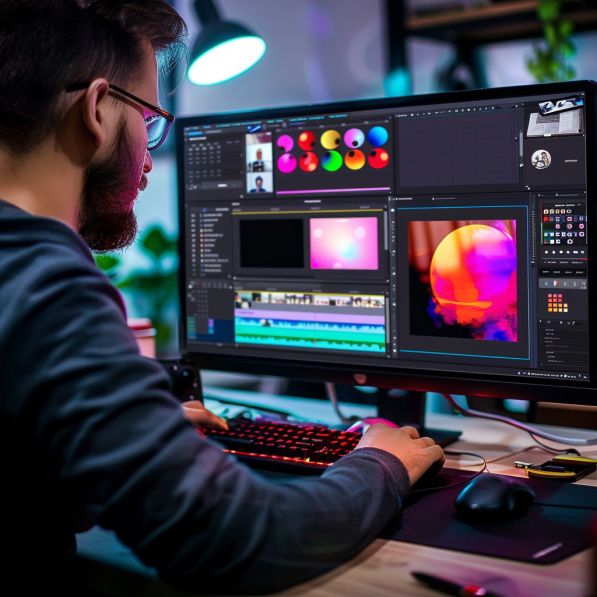
Timeline & Cutting Techmiques – Video Editing Course in Perinthalmanna
Timeline and cutting techniques are the foundation of professional video editing. In this module, you will learn how to organize your video clips on the timeline and cut them precisely to create a smooth and engaging story. You will understand how to trim unwanted parts, arrange clips in the correct order, and maintain the proper flow of a video. The course also teaches different cutting styles such as jump cuts, smooth transitions, and scene-to-scene editing to keep the audience interested. By mastering timeline management and cutting techniques, you can create well-structured videos that look clean, professional, and visually appealing while effectively delivering your message.
Video Effects & Transitions
Add creative effects and smooth transitions to make your videos more attractive and engaging.
Timeline & Cutting Techniques
Learn how to cut, trim, and arrange video clips in the timeline to create smmoth and professional videos.
Audio Editing & Sound Effects
Edit Audio, remove noise, and background music and sound effects for clear and professional videos.
Color Correction & Color Grading
Adjust colors, brightness, and contrast to improve video qulity and create a cinematic look.