Professional Video Editing Course
Learn the art of storytelling through video with our hands-on Video Editing course Video Editing Course in Perinthalmanna. Master industry-standard tools like Adobe Premiere Pro, Final Cut Pro, and After Effects to create professional videos, short films, social media content, and advertisements.
Adobe Premiere Pro
One of the most widely used tools in the film and media industry.Video Editing Course in Perinthalmanna
Supports many video formats like MP4, MOV, and AVI.
Works well with other Adobe tools such as After Effects and Photoshop.
Video Editing for Beginners
Learn the complete process of professional video editing in this comprehensive course. This course is designed for beginners and aspiring content creators who want to transform raw footage into stunning videos.
CapCut Vedeo editing
Very easy for beginners.
Popular for YouTube Shorts, Instagram Reels, and TikTok videos.
Includes templates, auto captions, filters, and transitions.
Free with optional premium features.
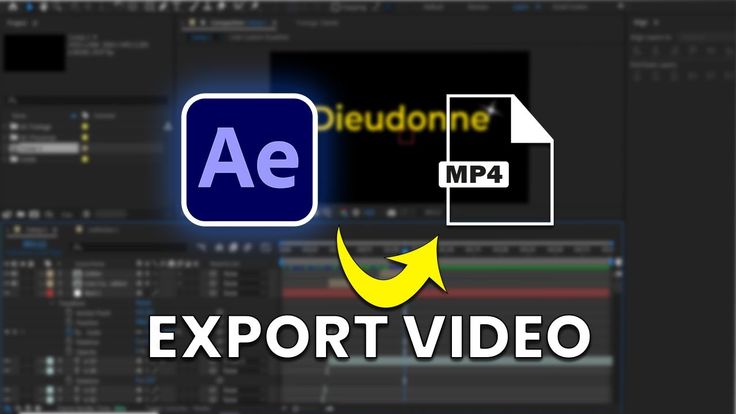
EXPORT VIDEO
Video Export is the final step in video editing where the edited project is converted into a playable video file. In Adobe Premiere Pro, exporting allows you to save your project in formats like MP4 or MOV so it can be shared on platforms such as YouTube, Instagram, or other media platforms. During export, you can choose settings like resolution, frame rate, and quality to ensure the video looks clear and professional.

CapCut Video Editing Services for Students
Students will learn professional mobile video editing using CapCut. This service helps students understand how to create engaging videos for social media platforms like YouTube, Instagram Reels, and Shorts. The training includes basic cutting and trimming, adding transitions, effects, text animations, music, and exporting high-quality videos. It is beginner-friendly and designed to help students quickly develop creative video editing skills.
Hands-on Practical Projects
Our course teaches students professional video editing from beginner to advanced levels. You’ll learn software like Adobe Premiere Pro, Adobe After Effects, and CapCut, along with motion graphics, effects, color grading, audio editing, and social media video creation.
Beginner to Advanced Training
This course guides students from the basics of video editing to advanced professional techniques. Starting with simple cutting and trimming, you’ll gradually learn motion graphics, effects, color grading, audio editing, and social media optimization.
Audio Editing & Sound Design
Learn how to enhance your videos with clear, professional audio. This module teaches students to add background music, adjust volume levels, remove noise, and create sound effects, ensuring every video sounds as polished as it looks.
Exporting & Rendering Skills
Students learn how to convert their edited videos into high-quality files ready for sharing. This includes choosing the right format, resolution, frame rate, and settings to ensure videos look professional on YouTube, Instagram, and other platforms.